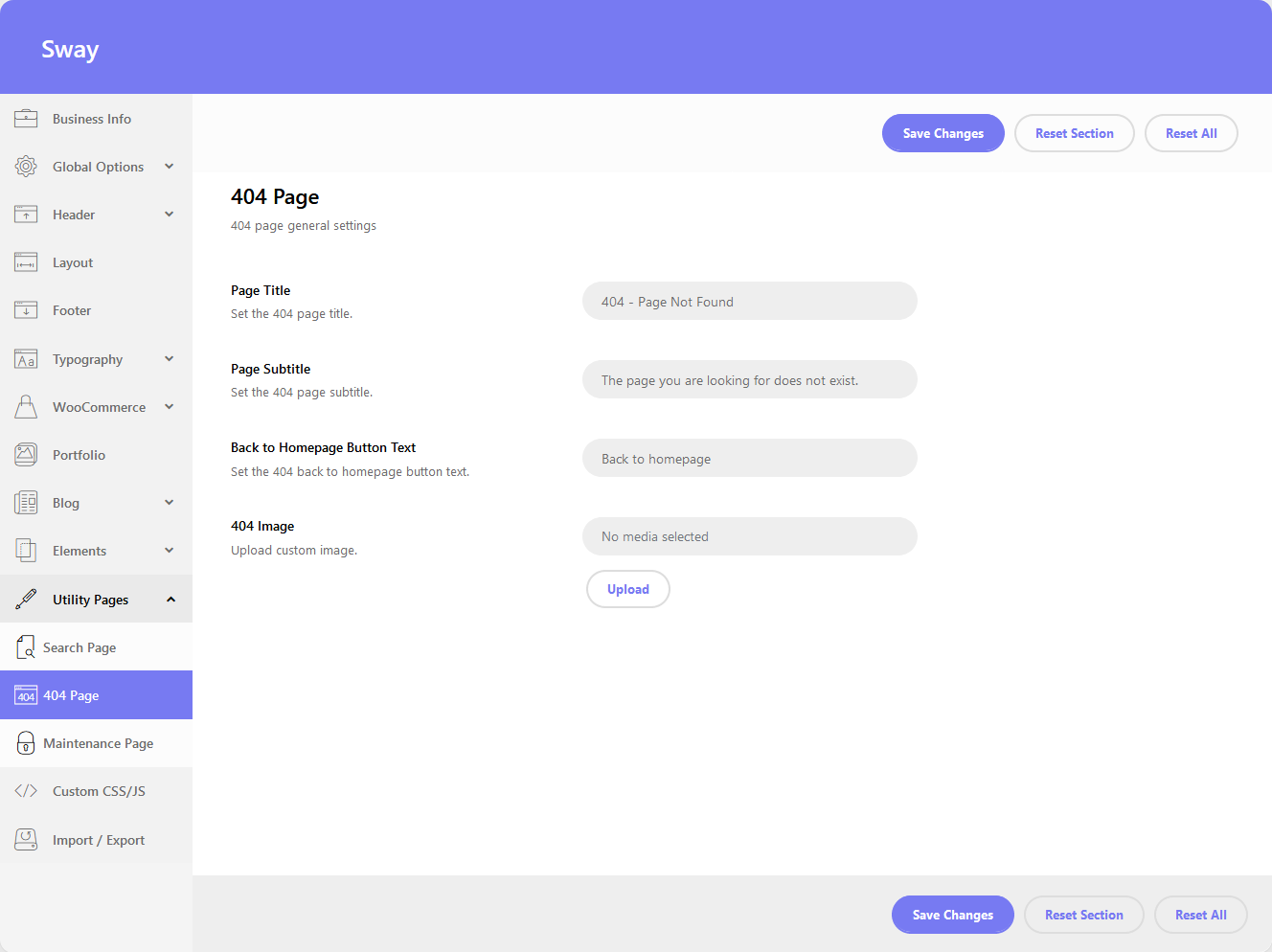
One of the most common errors you can come across while browsing the Internet is a 404 or Page Not Found error. This error often occurs when you follow a broken link or if you type in a website address that doesn’t exist. A 404 page error appears when a website is active, but the specific page within it doesn’t exist. Here you can change the settings of the 404 Page.
- Page Title – set the page title. The default value is: Error 404
- Page Subtitle – set the page subtitle. The default value is: This page could not be found!
- Back to Homepage Button Text – option to set title for the back to homepage button.
- 404 Image – upload a custom image that will be displayed above the page title.
You can see a live example here.